
A couples app for the moments you share.
Amourly is a private iPhone app where you and your partner can save memories, send love notes, and remember the days that matter.

Free to download · Optional in-app purchases · iPhone
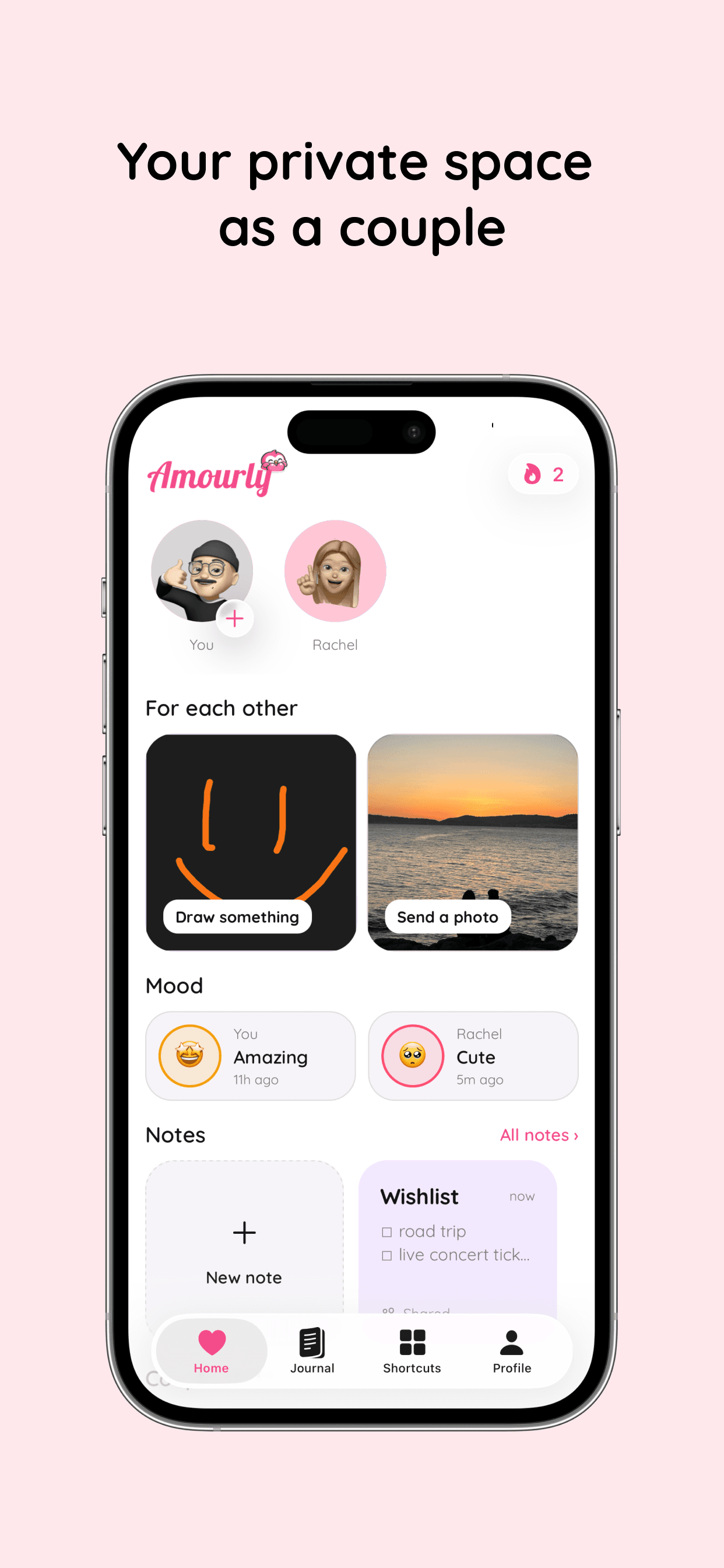
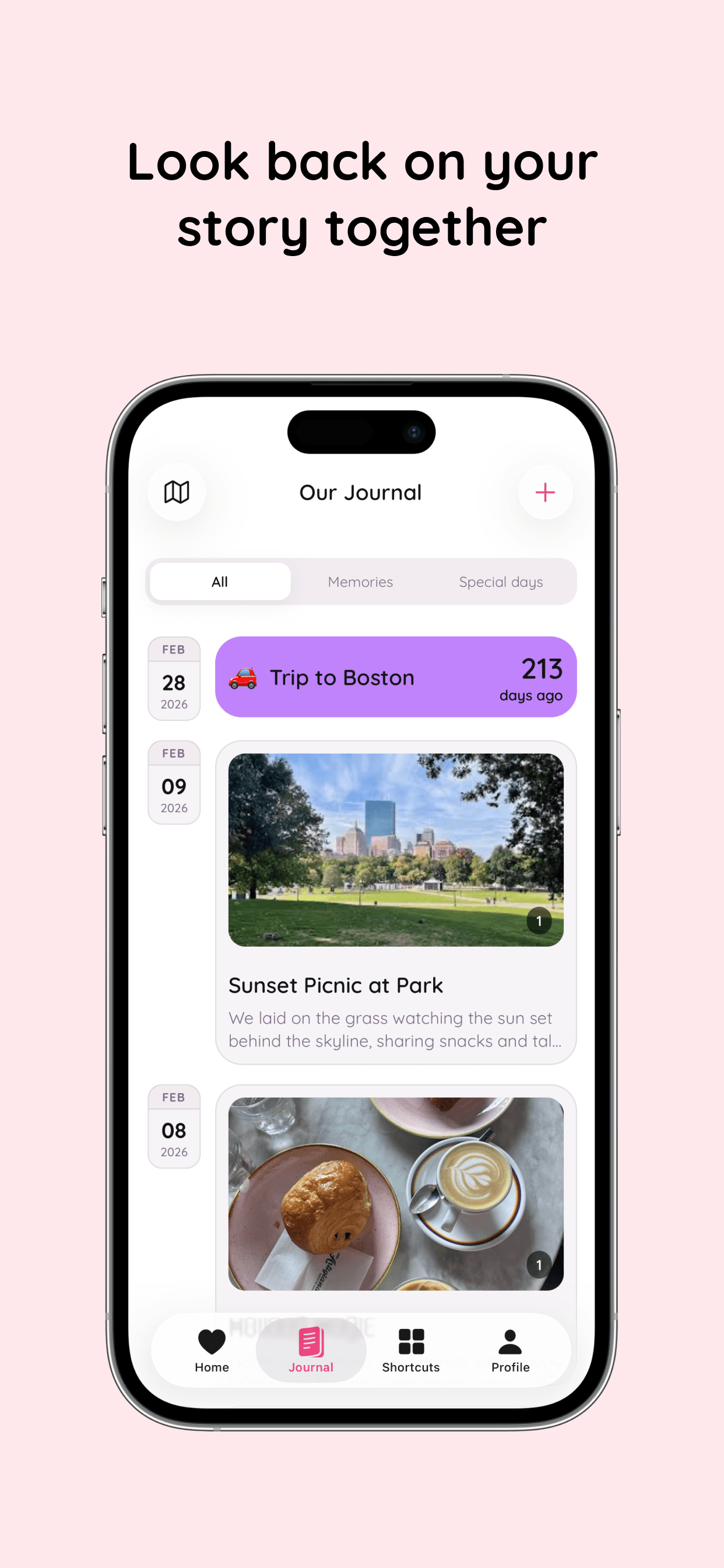
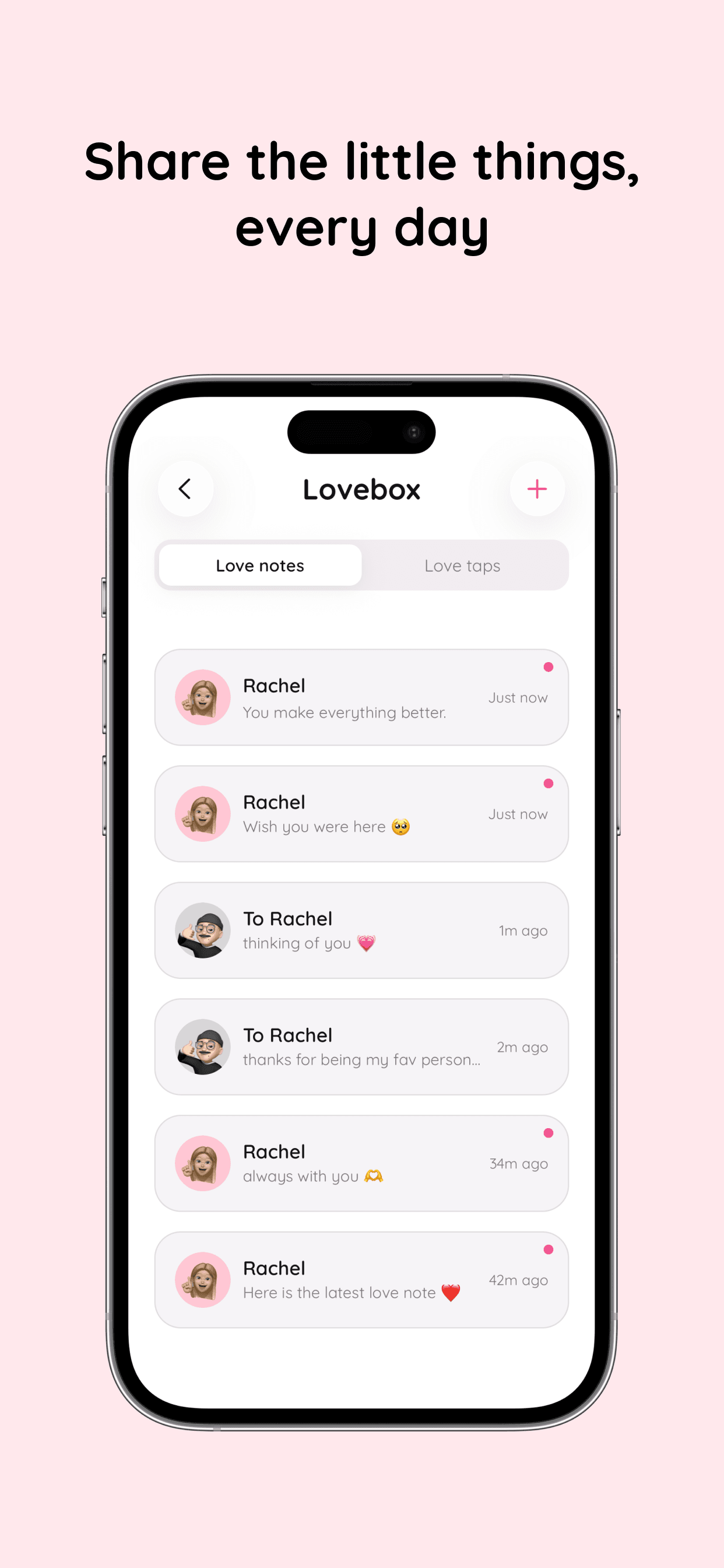
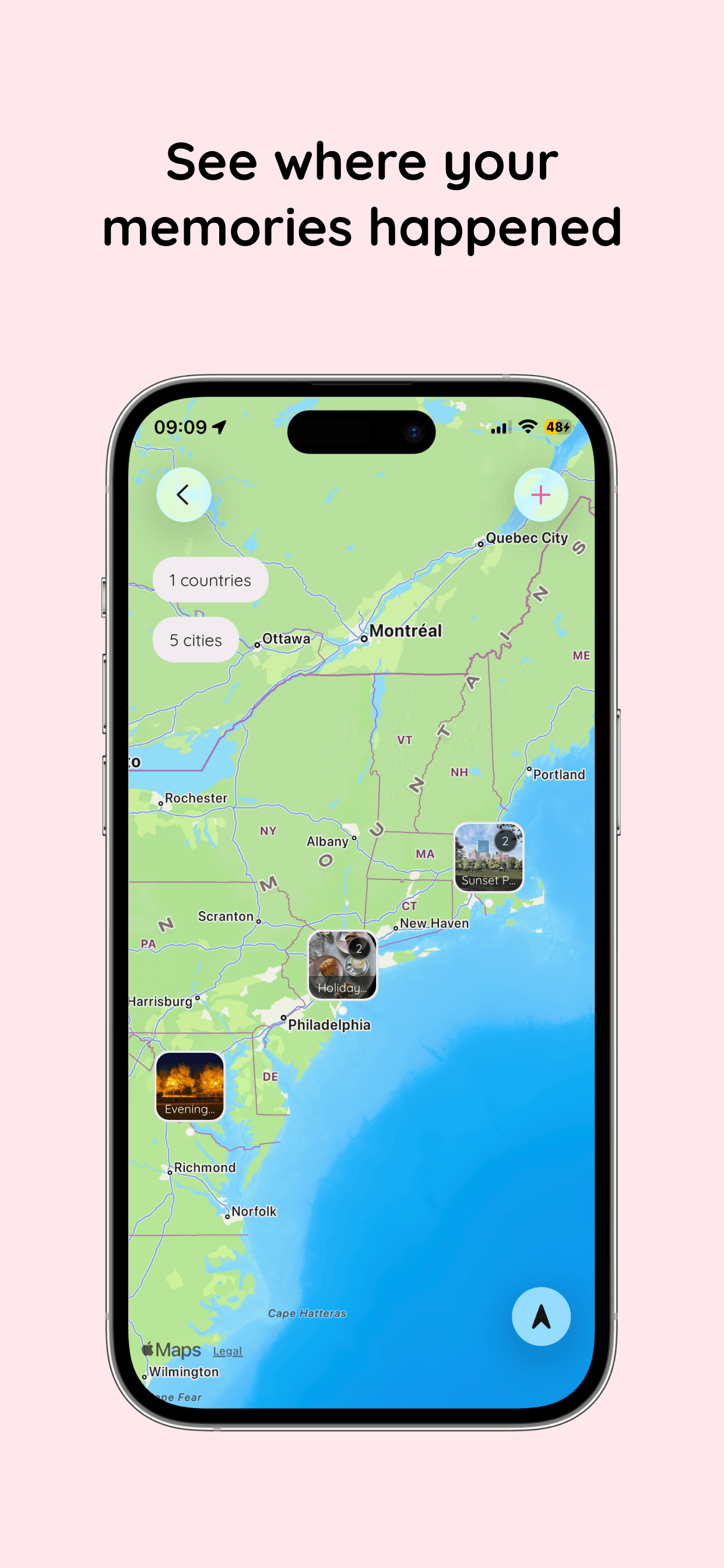
YOUR SPACE · JUST THE TWO OF YOU
Made to feel personal
The little details are part of your story, too.
Choose an Amourly icon that feels like you two. The space you share should feel personal from the moment you open it.

Celebrate

Cozy

Playful

Fresh
One place for two
You already have a story. Keep it close.
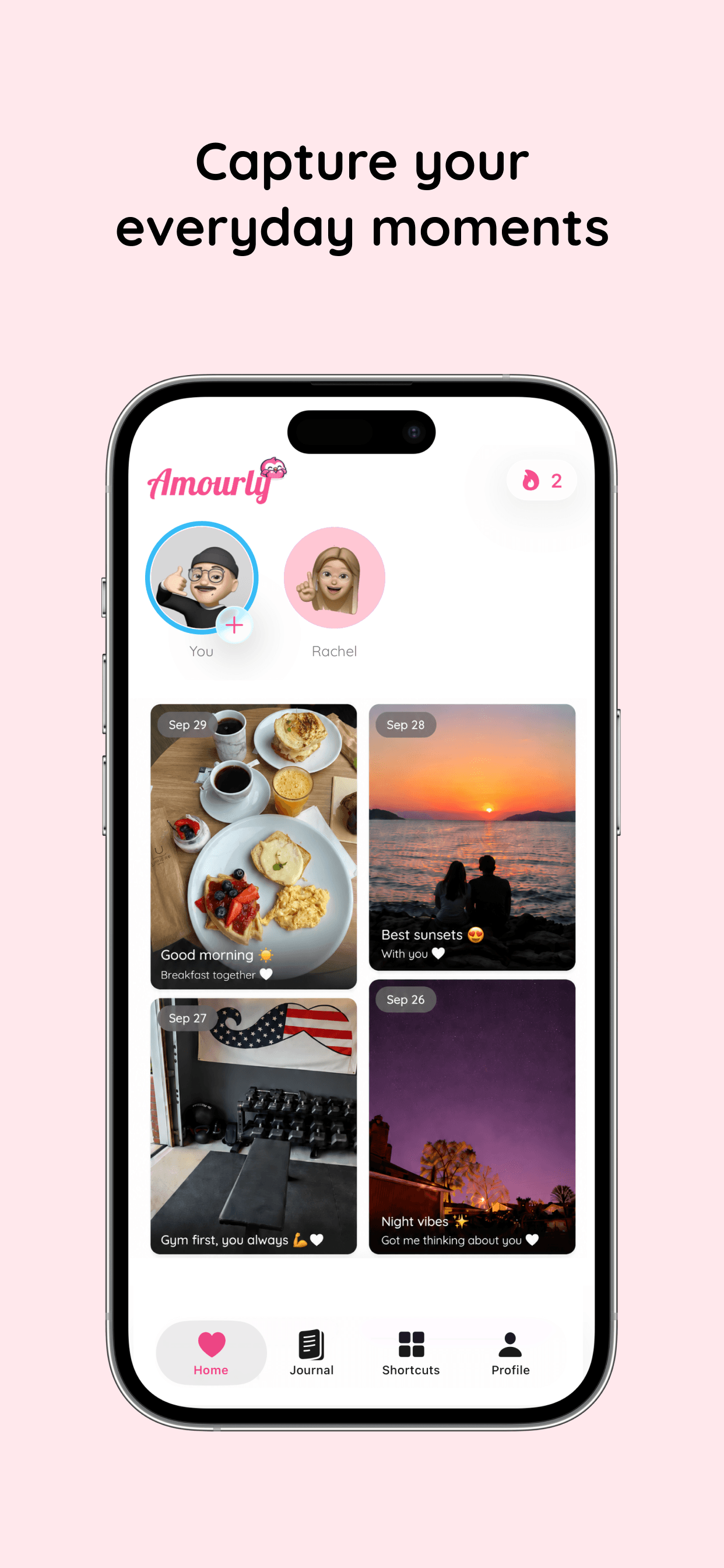
A photo, a date, a quick note between plans. Amourly gives those everyday moments a place to stay.
Give memories a home
Keep the photo from that ordinary Tuesday beside the moments you want to revisit together.
Keep it between the two of you
Invite your partner into a shared space built for two, away from a public feed.
Make room for a small hello
Send a love note or tap when a thought of your partner crosses your mind.
Inside Amourly
A shared space for what matters to you two.
Your photos, notes, special days, and places can live together. Open them when you want to remember, celebrate, or say hello.
Remember
Keep the days you want to revisit
Add photos and memories to your shared timeline, then keep special days where you'll both remember them.
Shared timeline
Special days
Past memories
Revisit
Remember where it happened
See the places behind your favorite dates, trips, and everyday memories on a shared map.
Memory map
Shared places
Trip memories
Connect
Say it while you're thinking it
A love note or tap lets your partner know they're on your mind, even when the day gets busy.
Love notes
Love taps
Shared stories
See
Keep a little reminder nearby
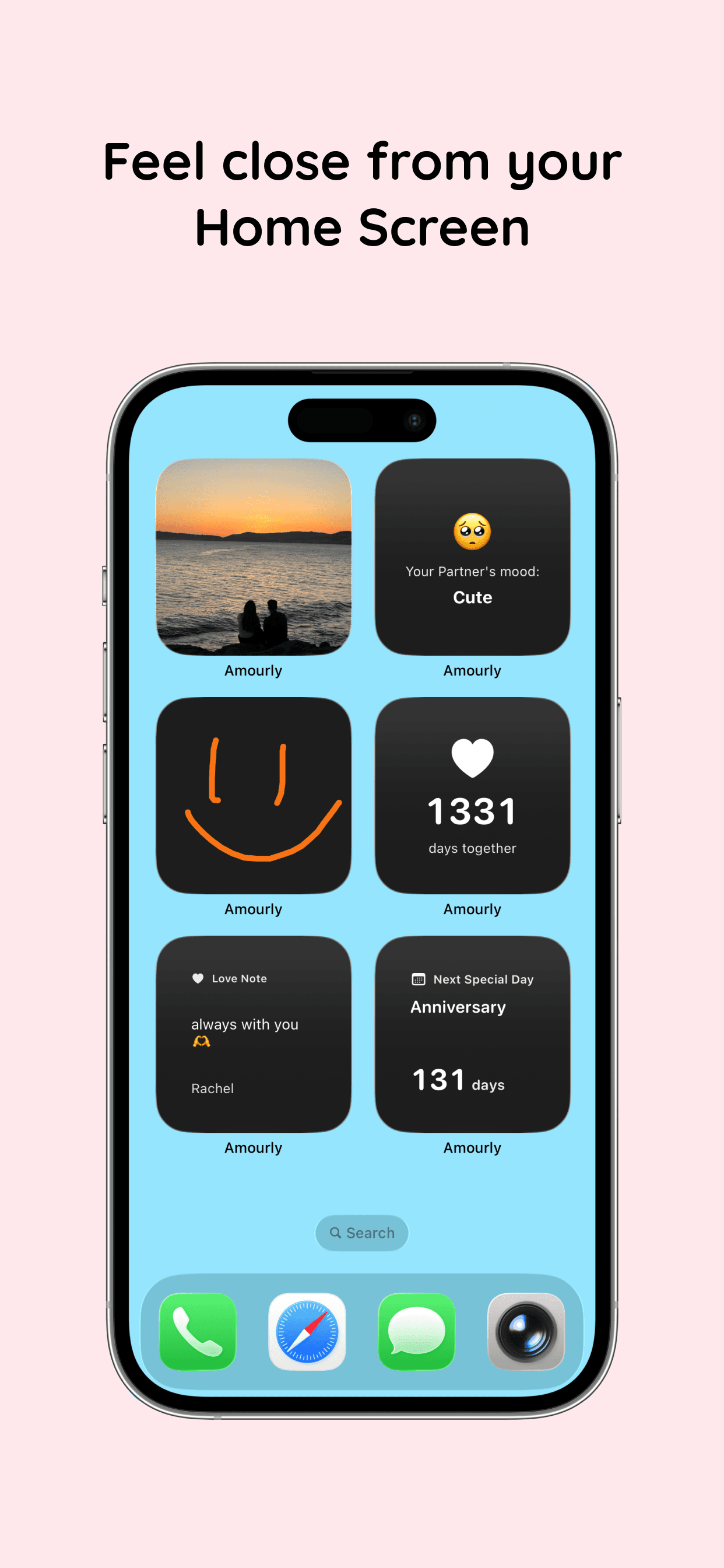
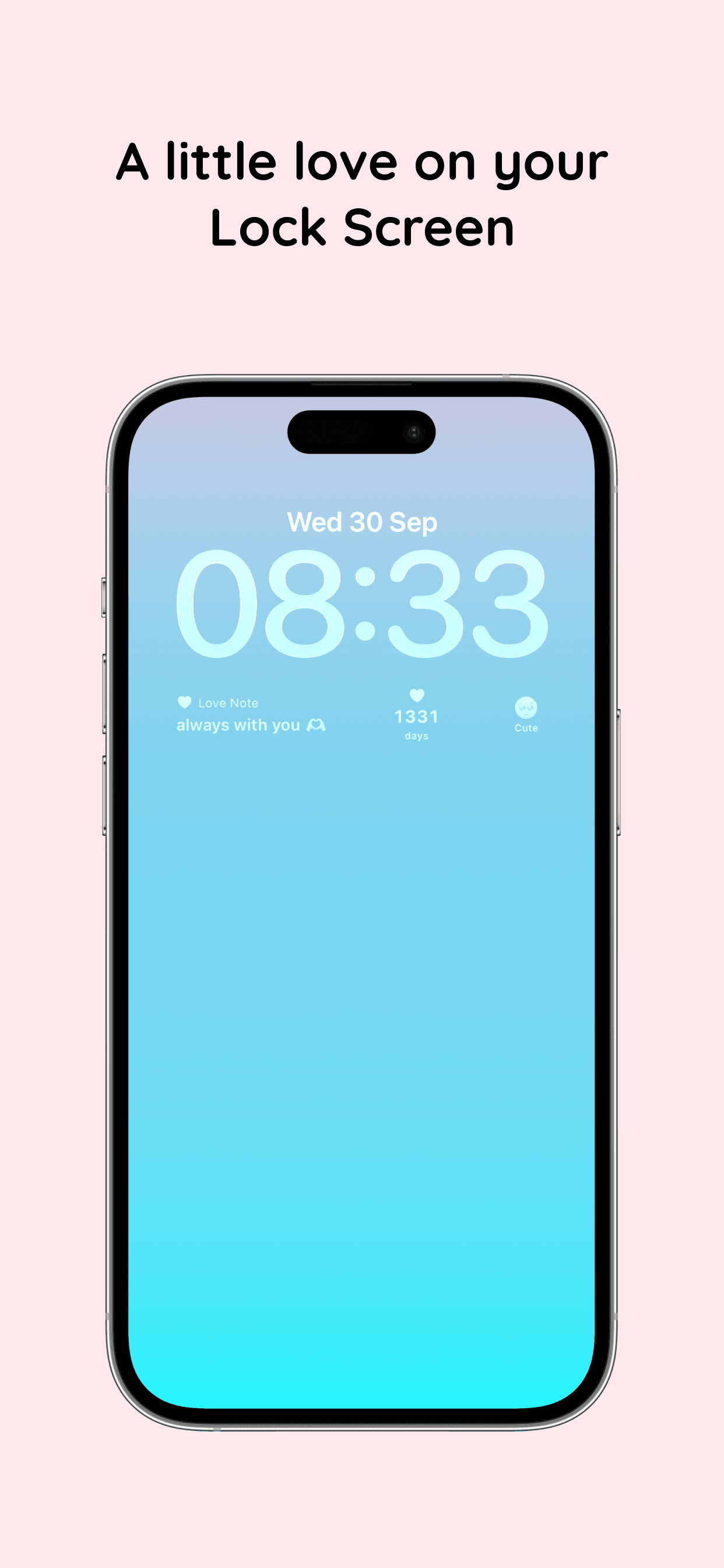
Use iPhone widgets to keep your relationship visible without opening another social feed.
Lock screen widgets
Home screen widgets
Everyday moments
Getting started
Start with one moment. Add the rest as you go.
Amourly is easy to make yours, whether you have years of memories or you're just beginning a story together.
Step 1
Invite your partner
Create your space and invite the person you want to share it with.
Step 2
Save what matters
Start with a favorite photo, a meaningful date, or a quick love note.
Step 3
Come back when you want
Revisit a memory, send a tap, or let a widget bring a shared moment back into view.
For iPhone
Make a little space for your story.
Download Amourly, invite your partner, and save the first moment you want to keep together.
A few things you might be wondering
The practical details before you make a space together.
Amourly is a couples app for iPhone. You and your partner can share memories, love notes, special days, places, and small everyday moments in one private space.
Yes. Your couple space is invite-only, so you choose the partner you share it with. It is not a public social feed.
You can add photos and memories, share stories and love notes, remember special days, and revisit places on your shared map.
Amourly is free to download on the App Store and offers optional in-app purchases.
Yes. Your notes, moods, photos and drawings show up on your partner's iPhone widgets wherever they are, and a countdown keeps your next visit in view. You can each send things on your own schedule, so different time zones are fine.
See how Amourly works as a long distance relationship app →Amourly is currently available for iPhone on the App Store.
Yes. Add a memory with its date to build your shared timeline, including moments from before you downloaded the app.